SEO / AEO / GEO
Why Isn't Your Website on Google? What to Check First

A website that doesn't show up on Google almost always has one of four problems. Google can't find the page, can't read it, doesn't understand what it is for, or has a better local answer from someone else. The fix starts with finding out which one, and you can test most of it yourself with free tools.
Below are seven checks, in the order that tends to save the most time. Each one comes with a way to test it, and the last section helps you decide what to fix first.
1. Is your website in Google's index at all?
Before anything else, confirm that Google knows your page exists. Type site:yourdomain.com into Google, using your own address. If nothing comes up, Google hasn't indexed the site. If only your home page comes up, your other pages are the problem.
Google Search Console, a free tool for site owners, goes one level deeper. Its URL Inspection tool shows whether Google has a specific page indexed and, if it doesn't, what is getting in the way. The usual causes are a noindex tag left over from the build, a robots.txt file that blocks Google from crawling the page, a brand-new site Google hasn't visited yet, or a sitemap that doesn't list your pages. Google says a sitemap helps it crawl a site more efficiently, but it doesn't guarantee that every page gets crawled or indexed.
It works in the other direction too. Not every page should be indexed. On our own site, the thank-you page and the error page are kept out of the sitemap, so the sitemap lists only the pages that are meant to be found.
2. Does your page say what you do and where?
Google builds the title link you see in search results from sources that include the page's title and its main heading, and people use that link to decide what to click. A title like "Home" or just your business name says very little. A title that names the service and the place, like "Web Design & SEO Services in Napa Valley," tells both Google and the reader what the page is about before anyone clicks.
We found this on our own site. When we audited it on September 20, 2026, our web design page had no place name in its title. Today it does. In the same audit, we searched "web design Napa CA small business website," and all nine results had Napa in their titles.
The main heading on the page works the same way. Say plainly what you do and who you do it for, in the words a customer would type, not the words a brand team would choose. If a stranger can't tell what you sell from the title and the first line, Google can't either.
3. Is there a page for each thing people search for?
A single "Services" page can't rank for five different searches. Someone looking for a website redesign, someone looking for a new logo, and someone looking for branded apparel are asking three different questions, and Google tries to send each of them to the page that answers theirs.
Give each service its own page, with its own title, its own heading, and the words your customers actually use. Then add a short FAQ to each page that answers the questions people ask before they call. That gives you more chances to match a real search, and it gives the visitor a clearer next step.
This is where many small business sites lose ground. The work is good and the services are real, but everything is compressed into one long scrolling page with a menu of anchor links. Google can only rank the page it finds, not the service you meant to describe.
4. Does your Google Business Profile match your website?
For local searches, Google often shows a map and a short list of businesses before any website. That list comes from Google Business Profiles, not from your site. Google says local ranking comes down to relevance, distance, and prominence, and that businesses with complete and accurate information are more likely to show up in local results. If your profile is missing or out of date, you can be absent from the part of the results that appears first.
Make the name, address, phone number, hours, and service descriptions on your profile match your website exactly. Add real photos of your work, and link the profile to the page that matches what it describes, not only to the home page. Small differences, like "Suite" in one place and "Ste." in another, are easy to avoid and worth cleaning up.
Directories matter too. In our September 20, 2026 check, Yelp held the top two positions for a local search for custom embroidered apparel. For the web design search, three of the nine results were directories rather than agency sites. Your listings compete for the same attention as your website.
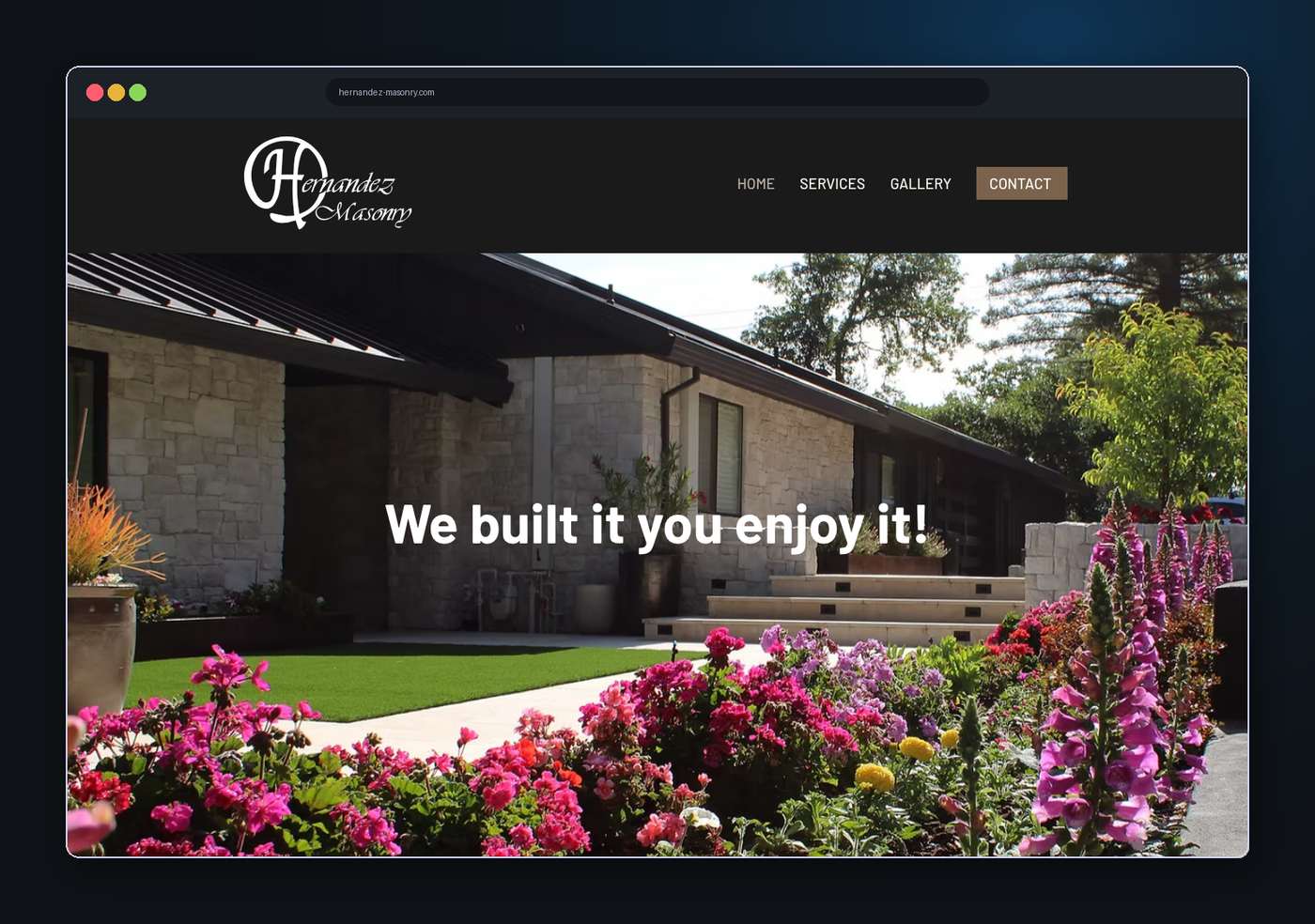
Hernandez Masonry · Web design and local SEO · Designed by City 27
5. Is your site fast and easy to use on a phone?
A site that loads slowly or breaks on a phone loses visitors. Google says its ranking systems reward content that provides a good page experience and use Core Web Vitals, though it is clear that relevance still comes first. This is the check people skip because the site looks fine on the computer where it was built.
One of the most common causes is oversized photos. A picture straight from a camera can weigh many times more than the rest of the page combined, and every visitor waits for all of it. Resize images to the size they are shown at, and use a modern format, before you upload them.
To test your own page, run it through PageSpeed Insights, a free tool from Google. Then open the site on your own phone. If you have to pinch, zoom, or wait to find the phone number, a customer will feel the same friction.
6. Can Google and AI assistants read your answers?
People now also ask AI assistants questions like "who designs custom apparel near me?" and get a written answer instead of a list of links. Google's own guide to optimizing for generative AI features, which its Search Central Blog announced in May 2026, says standard SEO is still the foundation. A page has to be indexed and eligible to appear in Search with a snippet, and original content that serves your audience matters more than tricks written for AI.
Put the answer in the first sentence under each heading. Write FAQs as the real questions customers ask, with the answer visible as text on the page, not hidden in an image or behind a script. Keep your Google Business Profile current, since Google says business profiles help local businesses appear in its AI responses. Structured data, a small block of code that labels your business name, address, and services for machines, is still worth having for ordinary search results, but Google says it is not required for its generative AI features.
None of this guarantees a mention, and Google says meeting its conditions doesn't ensure a page will be crawled, indexed, or shown. Clear, honest answers are the part you control. You can also see how your content performs in these features in the Generative AI performance report in Search Console.
7. Does running Google Ads make your site rank higher?
No. Paid ads and organic rankings are separate, and Google says so itself: its Search Central FAQ answers "Does buying ads improve my search ranking?" with a plain "No." Paying for clicks puts your business at the top of the results while the campaign runs, but it doesn't move your page up in the organic results, and stopping the ads doesn't push it down.
That doesn't make ads a bad idea. They are a good way to learn which words bring customers while your organic visibility builds. Just measure each channel on its own terms: ads by the leads they bring, and organic by the impressions, position, and clicks you see in Search Console.
8. What should you fix first?
Start with the symptom, then go to the check most likely to explain it. This table matches the most common situations to the first thing to look at.
What you see | Likely cause | Check first |
The site doesn't appear, even when you search your business name | Google hasn't indexed it | Check 1: a site: search and URL Inspection |
It appears only when you search your business name | Your pages don't match what customers search | Checks 2 and 3: titles, headings, and one page per service |
It appears, but far down in local searches | Weaker local signals than competing listings | Check 4: your Google Business Profile and directories |
It appears, but few people click | The title doesn't earn the click | Check 2: rewrite it to name the service and the place |
It loads slowly or breaks on a phone | Oversized images or a layout that doesn't adapt | Check 5: PageSpeed Insights and your own phone |
Fix one thing at a time, and give Google time to revisit the page before you judge the result. Changing five things at once makes it impossible to know which one worked.
City 27 is a Brand & Marketing Agency rooted in Napa, working across the North Bay and beyond. Search setup is part of every web design project we take on, from core SEO on a single-page site to advanced SEO, AEO and GEO on a fully custom build. You can see how we scope it on our web design in Napa page, or start with the broader diagnosis in Signs Your Website Is Costing You Customers.